# Configure (or Re-Configure) LaunchPad
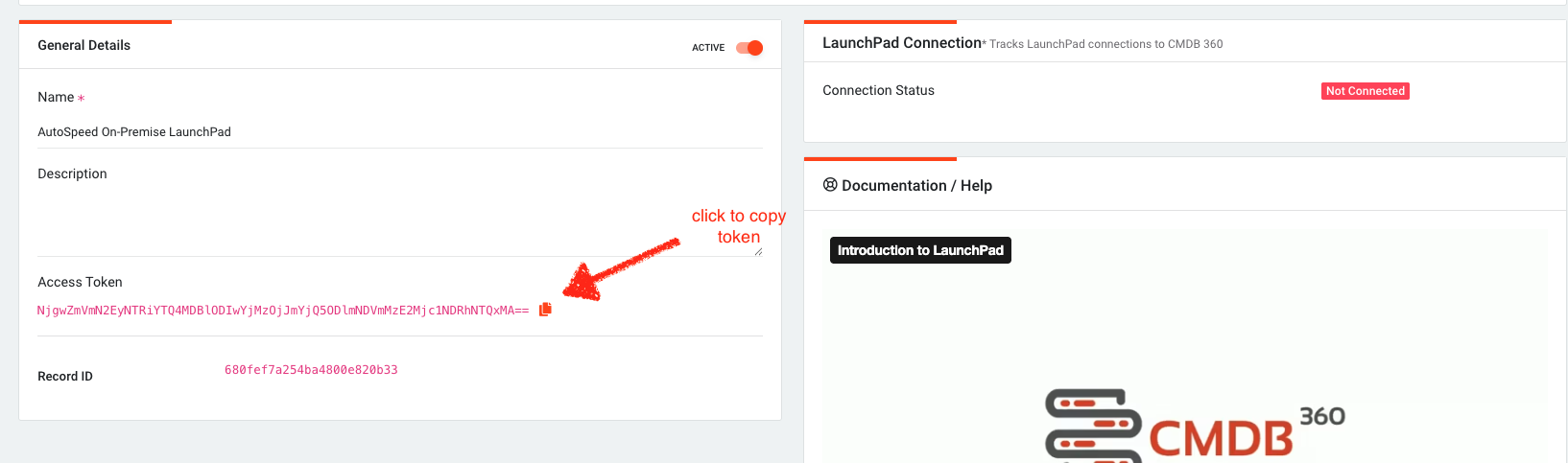
LaunchPad must be configured to your company’s CMDB-360 Base Station in order for it to be controlled by the user interface of the CMDB-360 Base Station. You must know the Base Station fully qualified domain name (FQDN) and have the LaunchPad token that is provided via the user interface when you provision a new LaunchPad.
Provision LaunchPad in CMDB-360 Base Station
Before deploying the LaunchPad, you must provision it in CMDB-360. Navigate to the LaunchPads section of the main menu to view the Deployed LaunchPads menu. Click the New LaunchPad button.
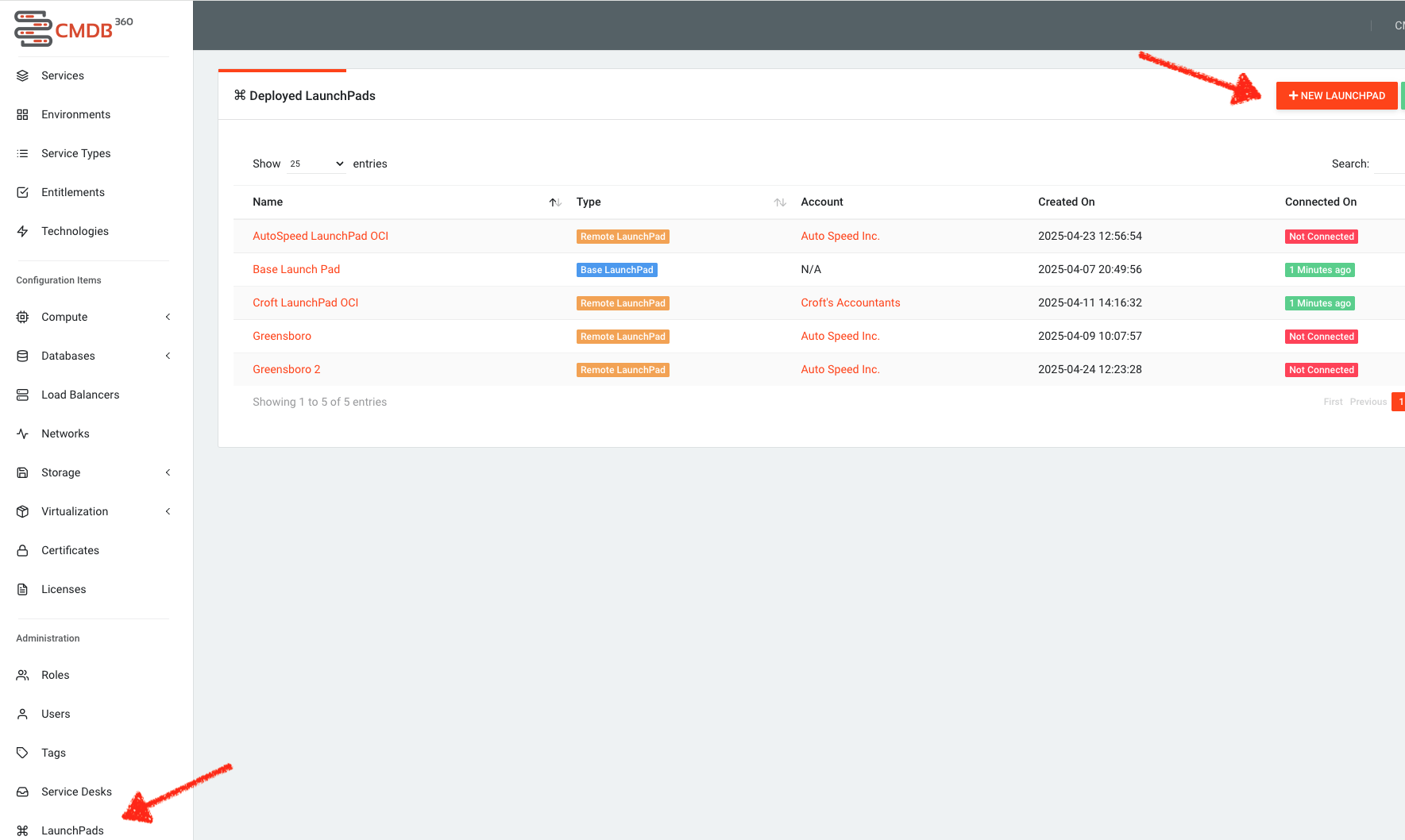
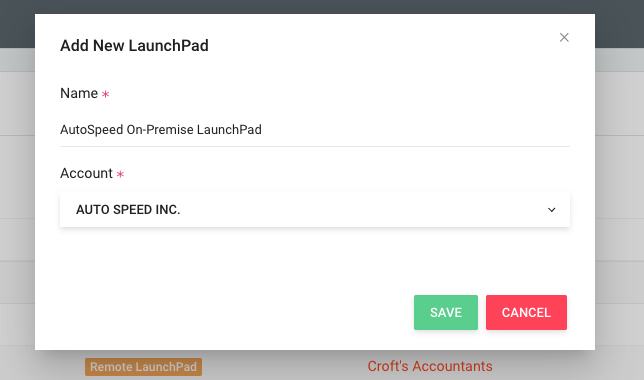
LaunchPads must be assigned to an account. The only exception to this is the Base LaunchPad which is commingled (and set up as part of the initial setup). Name your new LaunchPad and assign it to the account you wish to assign to it, then click the Save button.
You will be taken to the Overview tab of the LaunchPad detail screen. Here you can copy the Access Token you will need for the remaining of the configuration process.