# Accounts - Overview
Configuration management centers around managed IT resources. Due to this, many people focus exclusively on the IT resources themselves, often viewing the configuration items as the primary objects found within a CMDB. While this may be true, we believe that as an IT service provider, your focus is on keeping your customers happy. For this reason, we have built CMDB-360 to be more of an account focused CMDB, allowing you to see a 360 degree view of everything you manage for your customers.
# Adding Accounts
You may add a new account to CMDB-360 in a variety of ways, including automatically using an integration with your ITSM ticketing system such as ServiceNow, Jira Service Management or ServiceDesk Plus. You may also simply add an account manually by clicking the New Account button from the Accounts main menu.
The Accounts main menu can be accessed by clicking on the Accounts link from the left hand main menu.
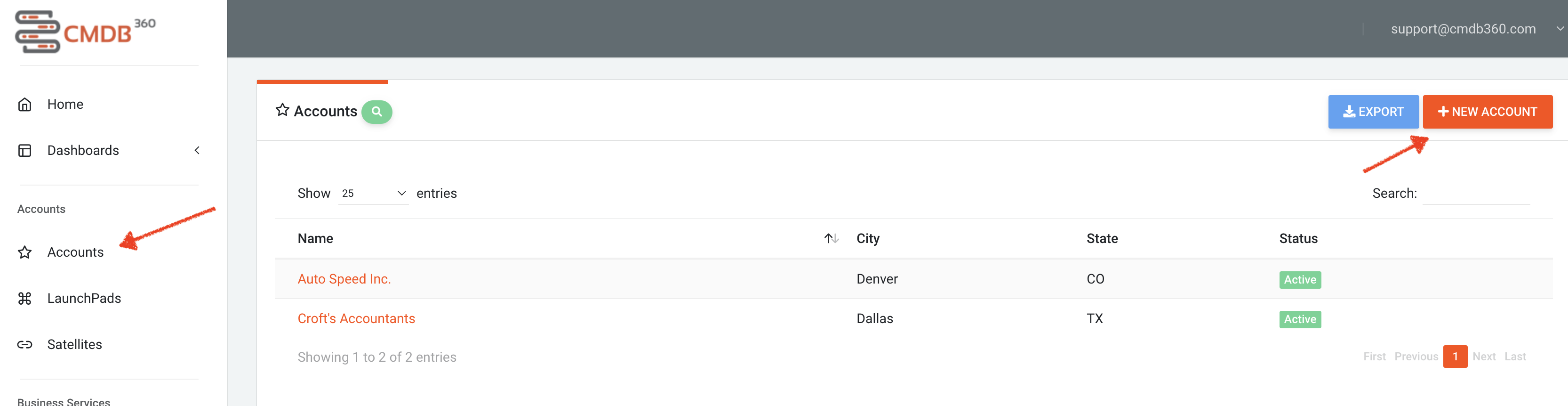
# Accessing Accounts
Accounts can be found by clicking the Accounts link from the main menu. This will present a list of accounts.
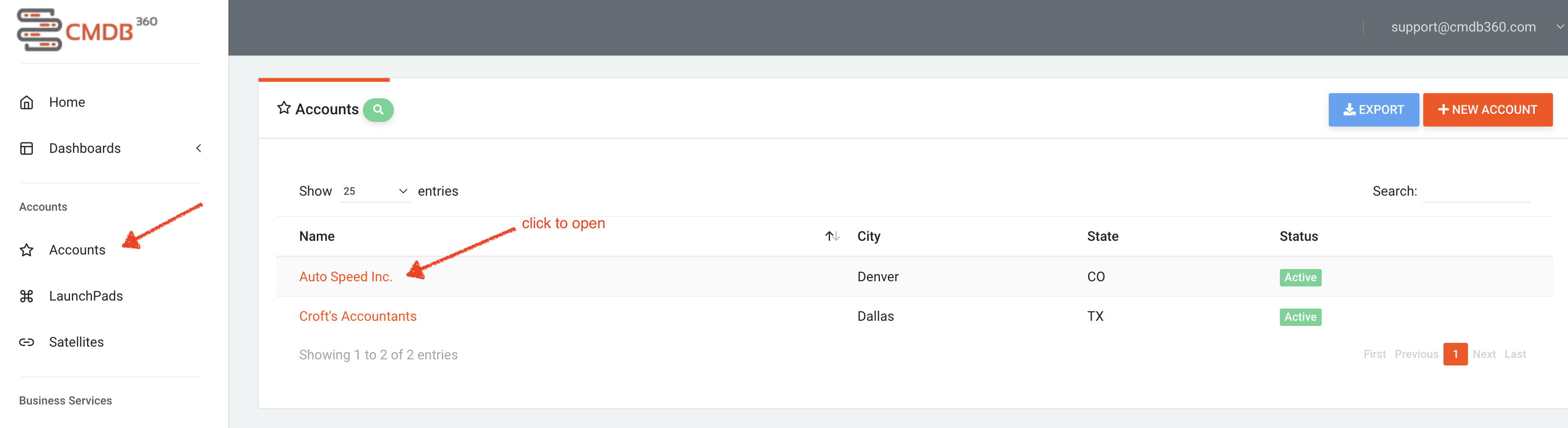
Simply click on the account name to open the account detail view.